
Download StarWars Windows 7 Theme – Star Wars, Desktop, Windows 7, Fan Art, Theme, Wallpaper
Overview
The StarWars Windows 7 Theme is a desktop customization tool designed for fans of the Star Wars franchise seeking to personalize their Windows 7 experience. This theme transforms the visual and auditory environment of a computer into a tribute to the iconic space saga, offering a dedicated space for enthusiasts to express their fandom. It addresses the desire for immersive digital environments by integrating thematic visuals and sounds directly into the operating system’s interface. The target audience includes Star Wars collectors, longtime fans, and users who value personalized computing experiences.
Although the developer’s background is not publicly disclosed, the theme’s release in 2010 indicates it was created during a period of growing interest in desktop customization tools for Windows 7. Real-world use cases include personal computers used for leisure, gaming setups, or fan communities where visual identity plays a role. The theme holds a niche but meaningful place in the digital customization ecosystem, offering a curated experience that goes beyond standard wallpapers. Its longevity—still accessible over a decade after release—reflects its enduring appeal among retro computing and Star Wars fan circles.
Key Features & Functionality
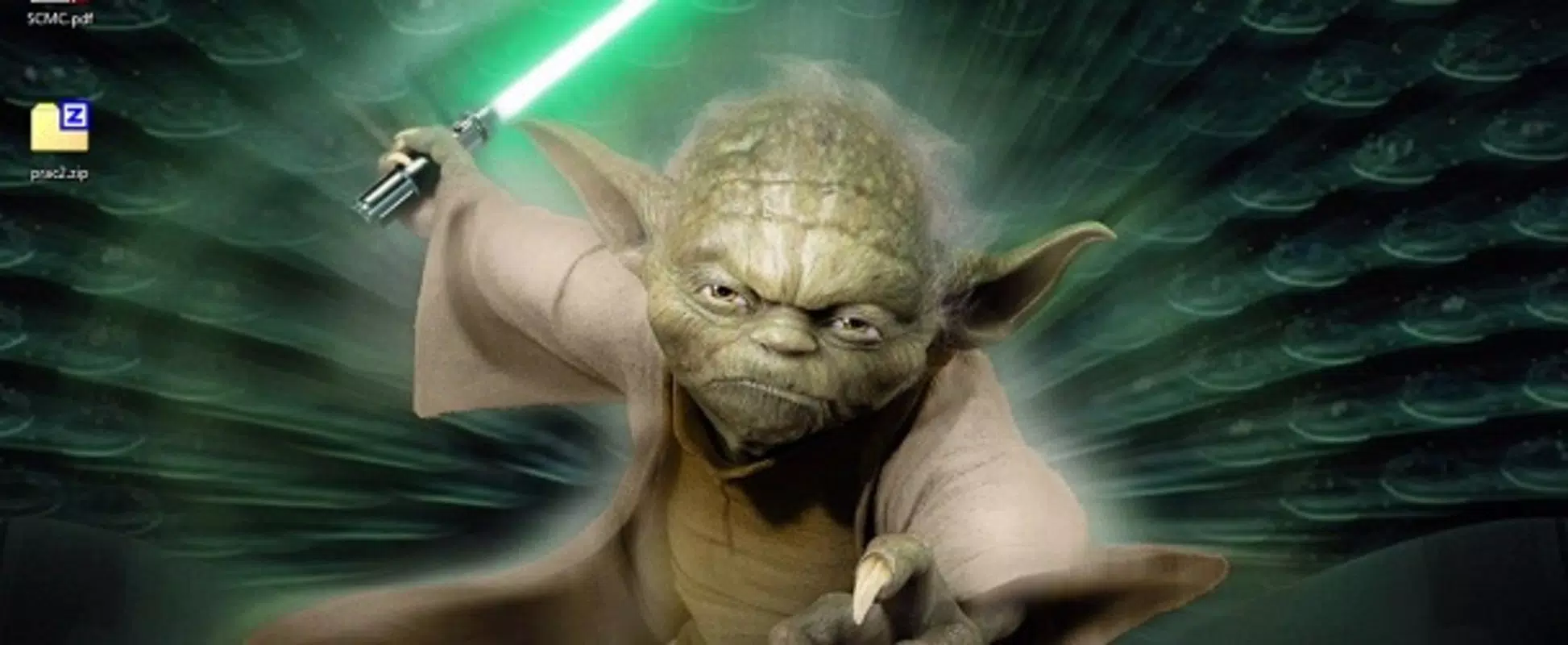
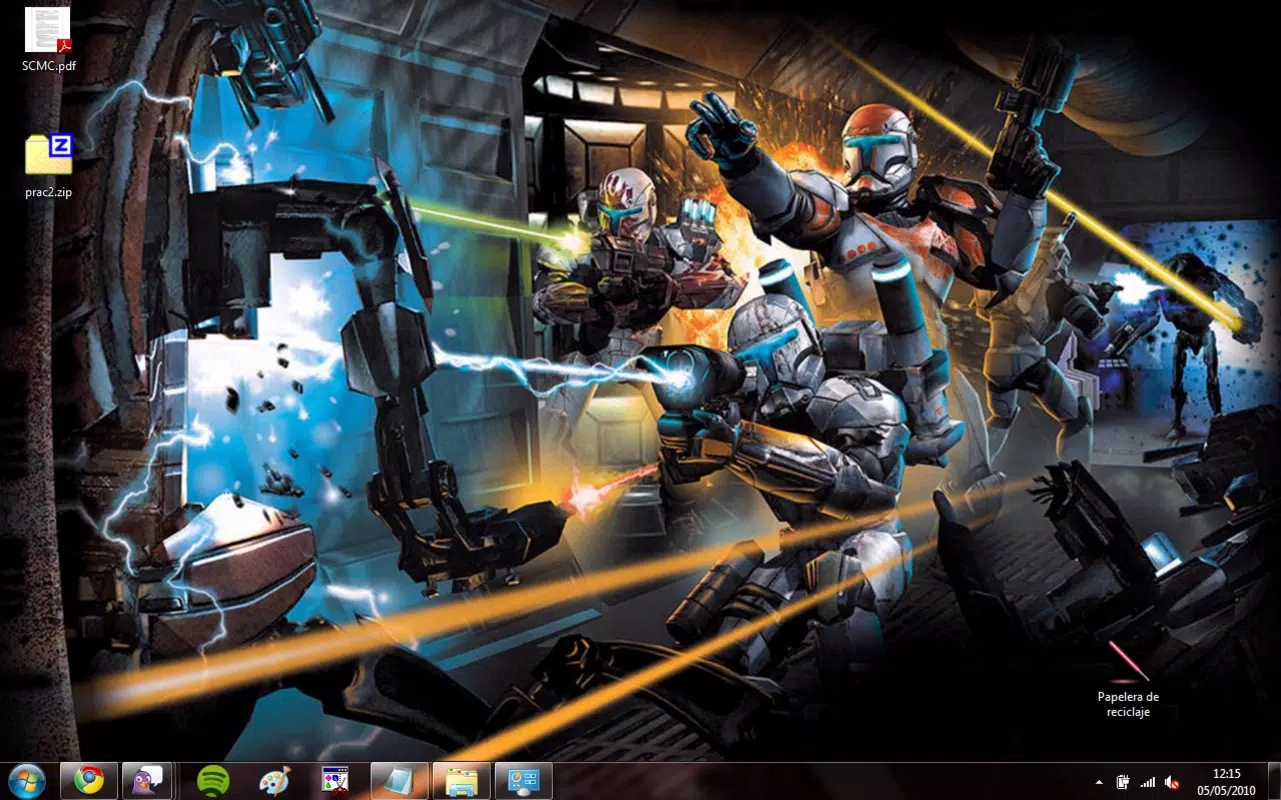
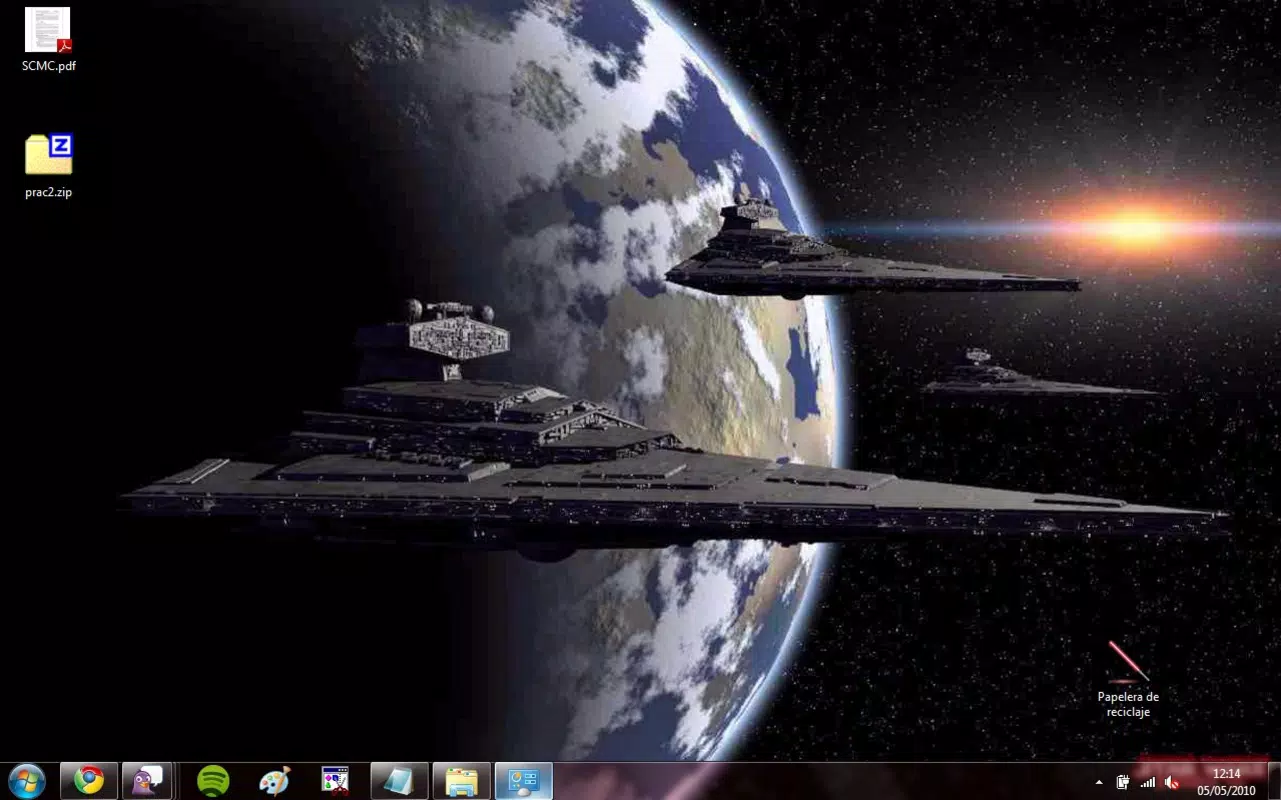
- Extensive Wallpaper Collection: The theme includes dozens of high-resolution Star Wars-themed wallpapers, featuring iconic characters, spacecraft, planets, and pivotal scenes from the franchise. These images are optimized for desktop display, allowing users to cycle through or set specific ones based on mood or occasion.
- Original Sound Effects: Each system event—such as window opening, clicking, or startup—is paired with authentic audio clips from the Star Wars universe. This auditory layer enhances immersion, making routine interactions feel more engaging and thematically aligned.
- Custom Mouse Pointer Set: A dedicated set of mouse cursors inspired by Star Wars design elements, including lightsaber tips, stormtrooper silhouettes, and droid motifs, adds a subtle but consistent touch of theme throughout user navigation.
- One-Click Installation: The theme is distributed as a single .theme file. Users can install it by simply double-clicking the file, which triggers Windows 7’s built-in theme manager, eliminating the need for third-party tools or complex configurations.
- Fan-Centric Design Philosophy: The theme is not merely aesthetic; it serves as a digital badge of fandom. For users who identify strongly with the Star Wars universe, this tool offers emotional resonance and a sense of belonging within a larger community.
Real-World Use Case Example
A Star Wars collector using a desktop computer for hobby projects might install this theme to create a dedicated workspace that reflects their passion. Every time they open a file or switch applications, the sound of a lightsaber igniting or the hum of a TIE fighter reinforces their connection to the saga, turning routine tasks into moments of celebration.
Interface, UX & Performance
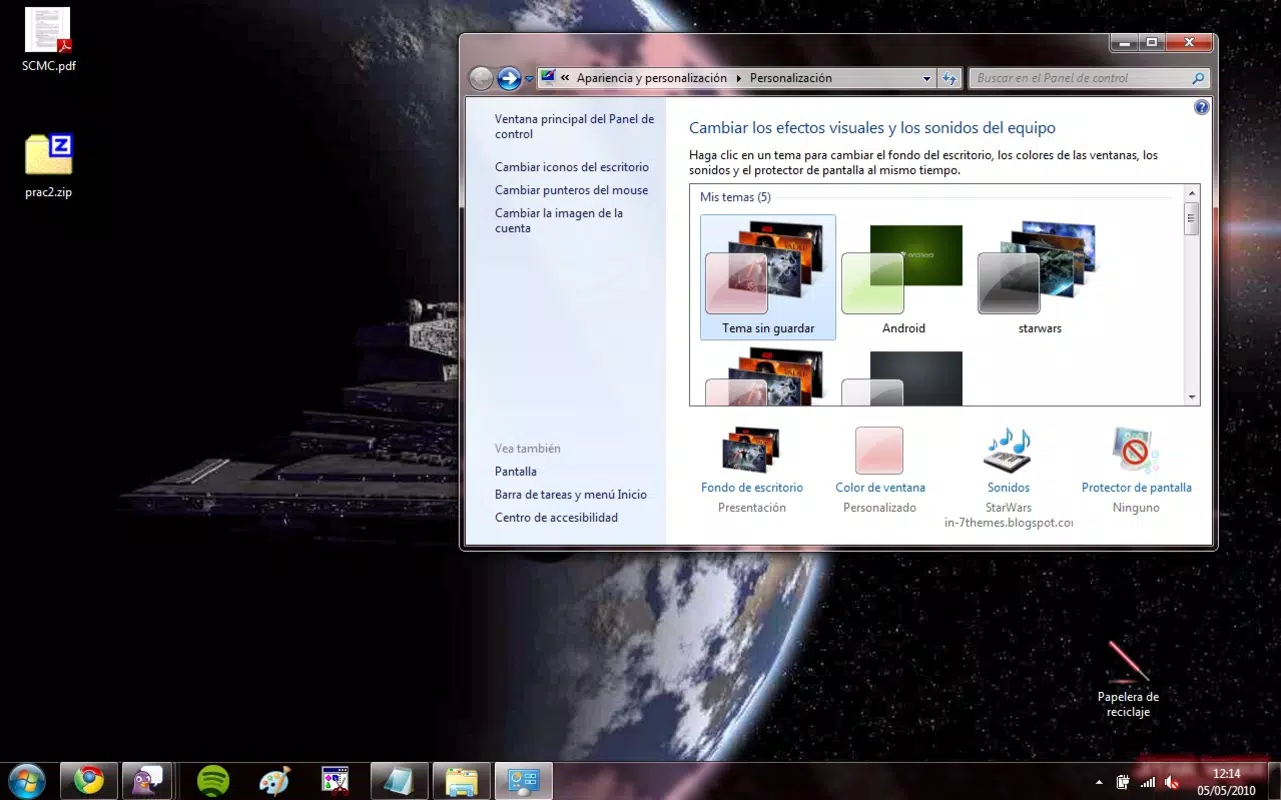
The StarWars Windows 7 Theme does not include a standalone interface or interactive elements beyond what is natively supported by Windows 7. Its functionality is embedded within the operating system’s personalization settings, relying on standard UI components for activation and management. The visual style is consistent with the Star Wars universe, featuring dark, cinematic tones, metallic accents, and dynamic imagery that align with the franchise’s visual language.
Navigating the theme’s settings is straightforward—users access it through the Control Panel’s Personalization section. The workflow is intuitive, requiring minimal steps to apply or revert changes. Although the developer did not list formal performance metrics, the theme’s lightweight nature suggests minimal impact on system resources. It is designed to function on standard Windows 7 configurations without requiring additional software or drivers.
Responsiveness is consistent with the underlying OS, meaning performance depends on the device’s hardware. On older or low-end systems, users may experience slight delays in sound playback or image rendering, but these are typical of the platform and not unique to the theme. Stability is maintained through reliance on native Windows features, reducing the risk of crashes or conflicts.
Platform Compatibility & Technical Requirements
The StarWars Windows 7 Theme is specifically designed for the Windows 7 operating system. It is compatible with both 32-bit and 64-bit versions of Windows 7, though the developer did not specify minimum OS requirements beyond the platform name. The file size is reported as 15.7 MB, which is relatively small and suitable for download on standard internet connections.
Compatibility information was not fully disclosed, and no details were provided regarding required hardware specifications, memory usage, or processor requirements. The theme is distributed as a single .theme file, which is standard for Windows desktop themes. It does not require installation of additional software or administrative privileges beyond standard user access.
Pros and Cons
- Easy one-click installation with no technical setup required
- High-quality, thematic wallpapers that enhance desktop aesthetics
- Authentic sound effects from the Star Wars universe for immersive experience
- Custom mouse pointers that reinforce the theme across all interactions
- Lightweight file size and minimal system resource usage
- Perfect for fans seeking a nostalgic, fandom-focused desktop environment
- Only compatible with Windows 7, limiting use on modern systems
- No support for newer operating systems such as Windows 10 or 11
- Does not include interactive or dynamic features beyond static visuals and sounds
- Sound effects are pre-recorded and not customizable by the user
- Developer details and update history are not publicly available
FAQ
Is the StarWars Windows 7 Theme safe to download?
The theme is distributed as a standard .theme file, which is a trusted format within Windows 7. As long as it is downloaded from a reputable source, it poses no known security risks.
Can I use this theme on Windows 10 or Windows 11?
Due to compatibility limitations, the theme is not designed for Windows 10 or 11. While some users may attempt to apply it manually, official support and functionality are not guaranteed.
Do I need to install additional software to use this theme?
No. The theme is self-contained and can be applied directly through Windows 7’s built-in personalization settings.
Are the sound effects customizable?
Currently, the sound effects are fixed and cannot be modified or replaced by the user. They are embedded within the theme file.
How do I remove the theme if I no longer want it?
To remove the theme, go to the Personalization settings in Control Panel, select “Default” or another theme, and the StarWars theme will be disabled.
Final Thoughts
The StarWars Windows 7 Theme remains a standout example of niche digital fandom in action. It delivers a focused, immersive experience for Star Wars enthusiasts using Windows 7, combining visual storytelling, authentic audio, and subtle interactive touches. While its platform-specific nature limits its relevance on modern systems, it continues to serve as a valuable tool for retro computing fans and collectors who cherish the legacy of Windows 7.
For those who still use Windows 7 and wish to celebrate their love for the saga, this theme offers a simple yet powerful way to personalize their digital space. Its ease of use, thematic depth, and nostalgic value make it a worthwhile addition to any fan’s setup.
Download StarWars Windows 7 Theme now


